Start boring
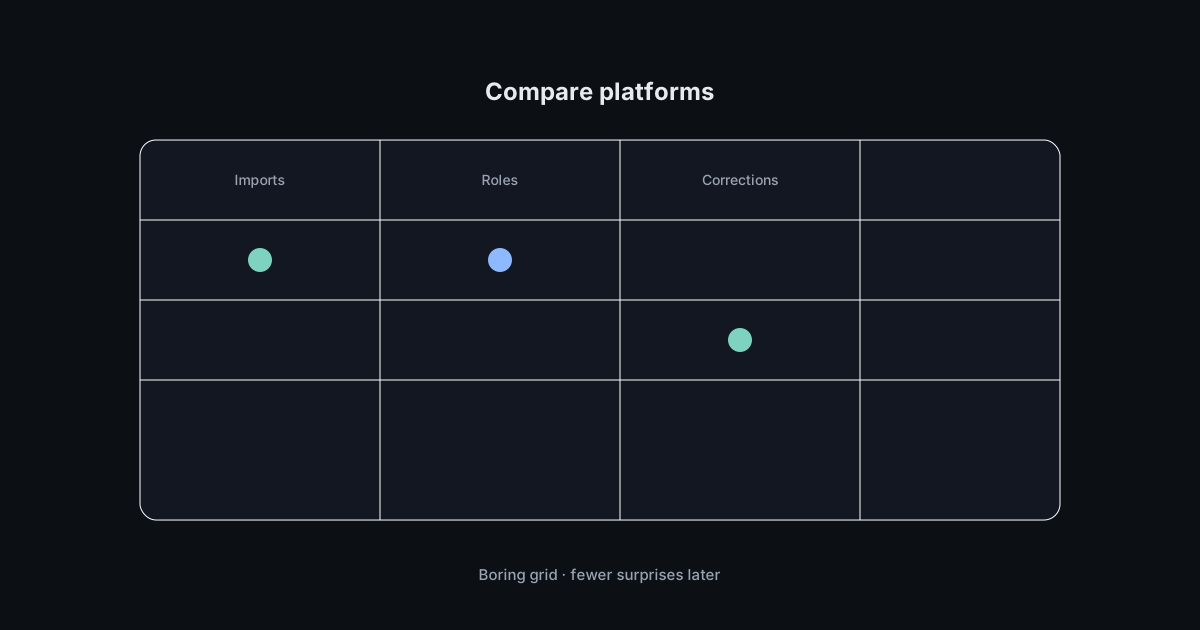
Buying payroll software while dazzled by animations is how teams migrate twice. Begin with imports: time files, general ledger maps, employee spreadsheets. If onboarding data feels frictionless in a demo, ask what messy edge cases look like—partial pay periods, mid-cycle deductions, union tiers if relevant. After reading independent summaries, cross-check each vendor’s official documentation for the products you are considering.
Features that matter
Marketing glitter
AI buzzwords, glossy dashboards.
Nice screenshots rarely reconcile a missed hour.
Operational grit
Roles, audit trails, reversal flows.
Determines whether corrections take minutes or meetings.
Permissions deserve skepticism—who can see salaries, who can approve, who can export? Support channels matter when deadlines loom: chat that routes to someone competent beats a phone tree that sings.
Demo questions
Ask vendors to show a correction path from mistake discovery to balanced books. Ask how history locks during year-end. Ask what reporting looks like when leadership wants department totals without exposing individual rates to the wrong eyes.
Honesty clause
Dcsnyapoll does not rank vendors here. Your stack depends on industry, headcount, locations, and tolerance for configuration. Use checklists to compare equals equally—then sleep on it. Big payroll moves deserve a cool head and a second reviewer.